

gmod in .gluarc.json. The defaults suit most addons and gamemodes.
Realms
See Wrong realm warnings for how realms are decided.
General
Annotations
See Garry’s Mod annotations for download options.
Opening a whole Garry’s Mod folder
When you open a whole Garry’s Mod folder (namedgarrysmod, holding both addons/ and gamemodes/, or holding a garrysmod/ folder), GLuaLS treats it like a multi-root workspace of its addons and the gamemode you work on. Each addon and gamemode keeps its own module paths and its own .gluarc.json.
As in a multi-root workspace, each addon and gamemode is analysed with its own settings. They start from the defaults, then take the Garry’s Mod folder’s config file, then the addon’s own (.gluarc.json, .luarc.json, .emmyrc.json or .emmyrc.lua), and each file changes only the keys it sets. An addon that sets gmod.defaultRealm keeps every other setting of the Garry’s Mod folder, and an addon with no config file uses the folder’s. A relative path in the folder’s config stays relative to the folder. One addon’s config never applies to another addon’s files. workspace.enableIsolation stays on only when every one of these configs turns it on.
- Every addon loads.
- The active gamemode loads with the gamemodes it derives from, up to
baseorsandbox, which the annotations describe. The gamemodes that ship with Garry’s Mod (base,sandboxandterrortown) otherwise load only when picked or while one of their files is open;terrortownalso loads with a gamemode that derives from it. - With no active gamemode, a sole custom gamemode loads. With several, each loads while one of its files is open in the editor;
glua_checkloads them all. - Files outside the addons and gamemodes, such as
lua/, are analysed while open.
addons/ folder opened on its own loads the same way: each addon is its own root with its own config, and files directly in addons/ are analysed while open. Any other folder, such as one gamemode, loads everything.
When a workspace also has a folder inside one of the Garry’s Mod folder’s gamemodes, such as the gamemode itself, that gamemode loads with the gamemodes it derives from, as if picked.
In VS Code, when the folder has several custom gamemodes and none is picked, GLuaLS asks which to load: Addons only (""), one gamemode, Load all custom ("*"), or Load all (loadEverything). For addon work, pick Addons only: the annotations already describe base and sandbox, and picking one of them loads its source on top. Run GLuaLS: Select Gamemode or click the status bar item to change it later. The pick is saved to .gluarc.json when the folder is in a git repository and has a .gluarc.json or no other config file, and otherwise to the workspace folder’s settings.
Net messages
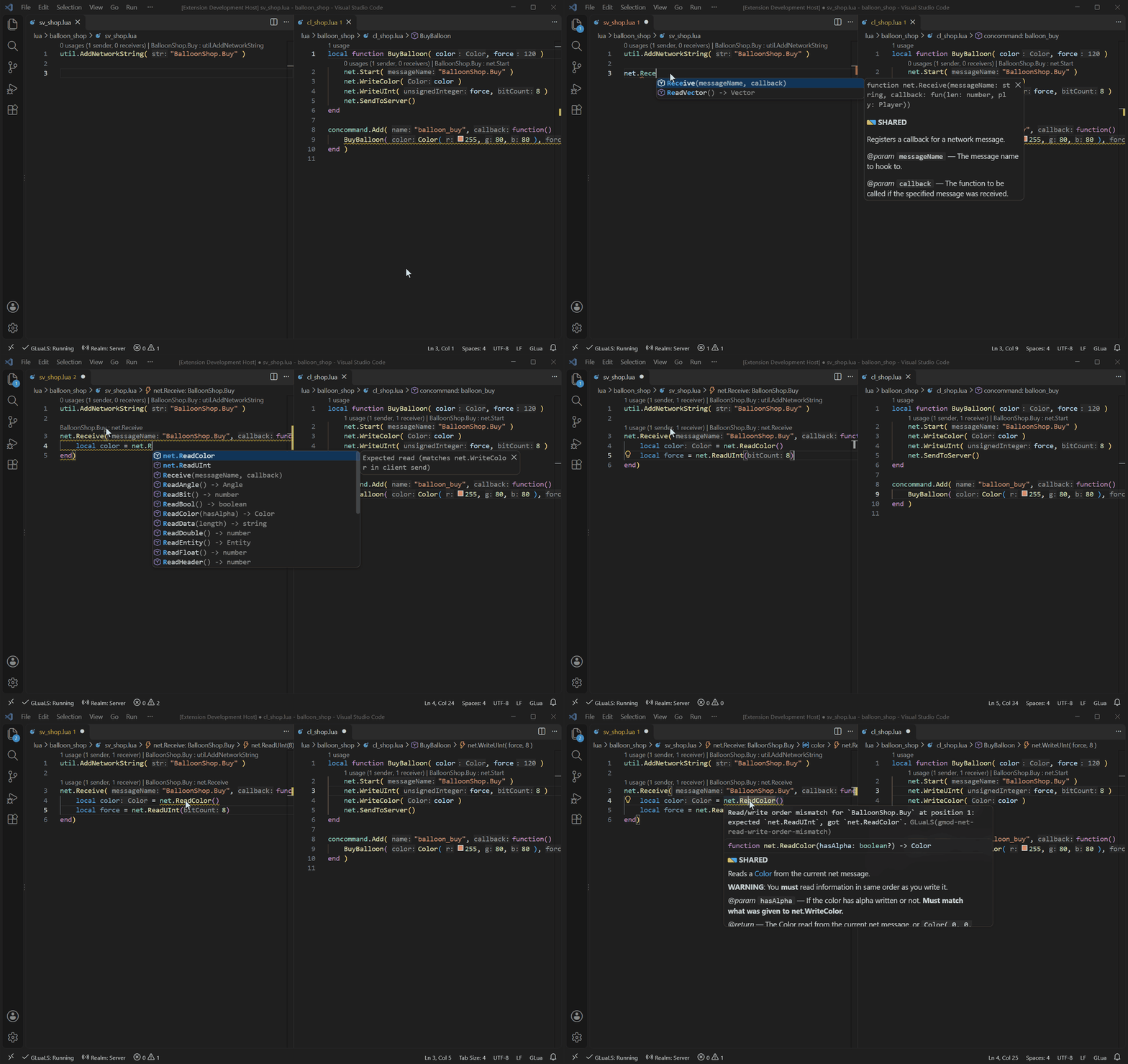
diagnostics.disable. The codes are listed in Diagnostics settings.
VGUI
Hooks
Use these when your project calls hooks through its own functions.Scripted classes
GLuaLS recognizes entities, weapons, effects, tools, player classes, gamemodes, and plugins and schemas for frameworks such as Helix, based on their folders. Each type is a scope ingmod.scriptedClassScopes.include. You only need this setting to add your own class type or change a built-in one.
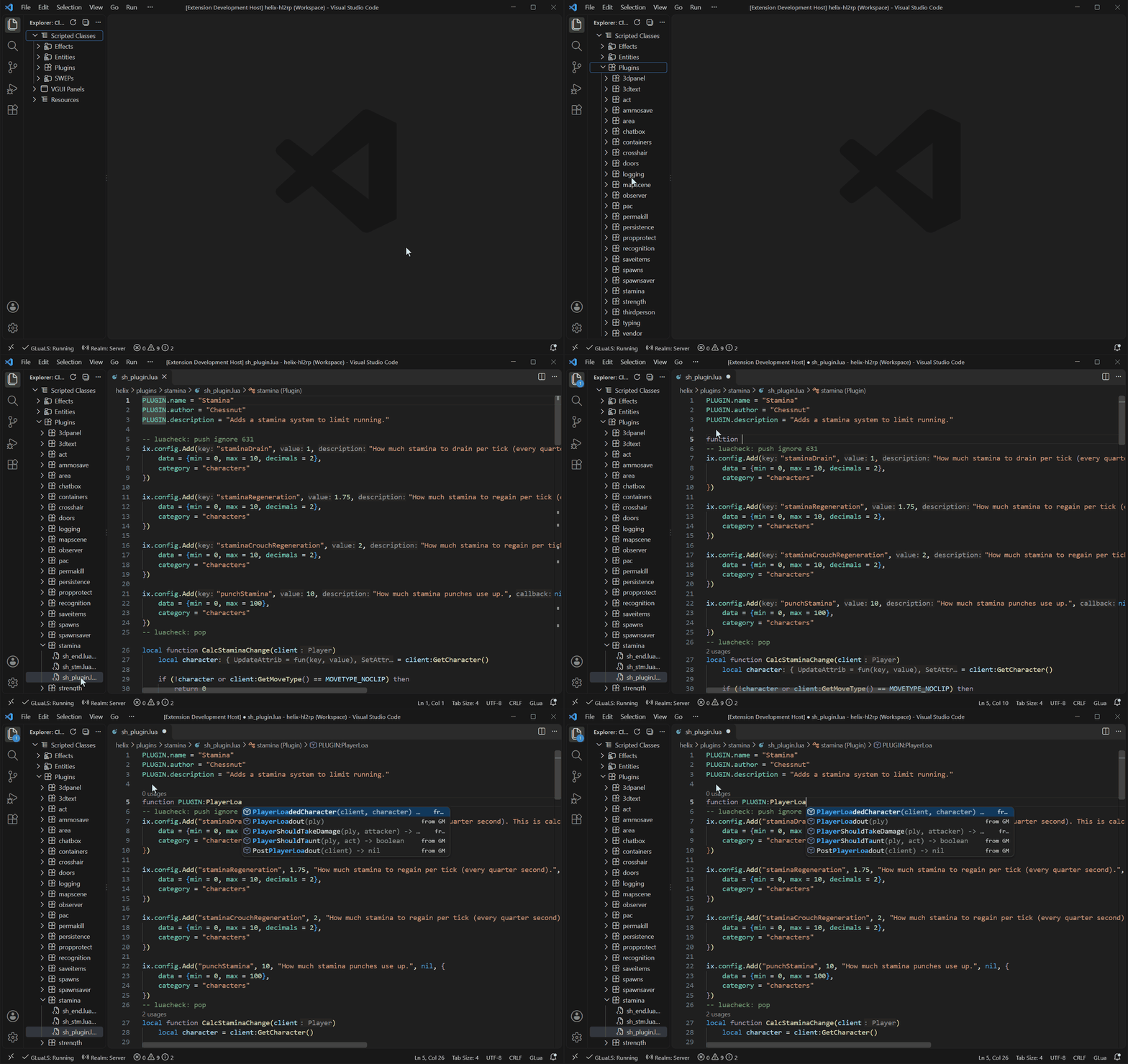
entities, weapons, effects, stools, player_classes, plugins, schemas, gamemodes.
To change a built-in scope, add an entry with its id and only the fields you want to change. To add a new one, use a new id:
.gluarc.json